Imagine you are on the train and want to watch a video, but you left your earphones at home. Or you are working outside, and the bright sun makes your screen hard to read. You have briefly experienced what it can be like to use digital content with a disability. For many people, this is their daily reality.
Accessibility
Contents
What is accessibility?
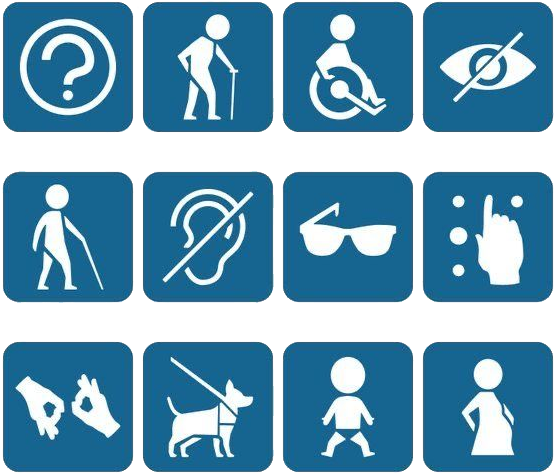
Digital accessibility means making sure everyone can take part in the digital world, including people with dyslexia, (colour) blindness or low vision, hearing loss, autism or ADHD.
The good news is that everyone benefits from accessible content. It is easier to understand, easier to find, and reaches your audience more effectively.
And importantly: since the 2018 European Accessibility Act, public institutions like Leiden University are legally required to make their digital content accessible. With the tips below, you can help make a difference.
Design
When designing visual content, follow Leiden University’s house‑style guidelines.
- Use enough colour contrast. The house‑style colours already meet the requirements. If you cannot use these colours, you can check contrast with the WebAIM Contrast Checker. See our page on using accessible colours for more information.
- Avoid red/green combinations, as many people cannot easily tell these colours apart.
- Don’t forget to add a text description to charts and infographics.
Using accessible colours
News and website
For news articles and website texts, keep it simple. A clear structure, active writing style and avoiding jargon make content easier for everyone to read.
- Aim for B1 language level.
- Use bullet points, informative headings, white space and short paragraphs. This not only improves accessibility but also helps with search engine optimisation (SEO).
- Use clear links such as 'Download the study guide (PDF)' instead of 'Click here'.
- Add alt text to images, especially when they contain information.
Gender-inclusive writing

Tips for your team
Talk with your team about what you can do to improve digital accessibility, and review this regularly. Accessibility is not a nice-to-have, but a requirement for an inclusive university where everyone can do their best.
Tip 1: Think about accessibility from the start. This is much easier than fixing problems afterwards. Digital accessibility mainly requires awareness and a different approach, not necessarily more time.
Tip 2: Put yourself in the place of your audience. Everyone processes information differently. Ask others to review your design. For example, test your text with a colleague who has dyslexia, or let someone try a screen reader on your content.
Tip 3: See it as a learning process. You always get another chance to practise and discover what works.
Social media
With a few simple changes, you can make your social media posts much more accessible:
Why alt text matters