Guidelines for event pages
Website visitors want to see at a glance whether an activity looks worthwhile. How do you create a good event page?
Website visitors want to see at a glance whether an activity looks worthwhile. How do you create a good event page?
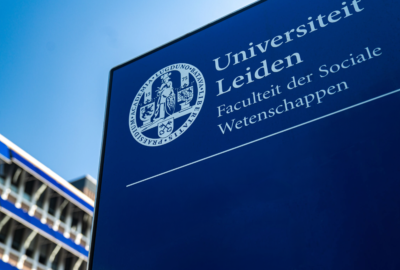
As Leiden University, we want to appear recognisable, professional and reliable to students, staff and external partners.
The house style button in Word allows you to create letters and memos using the university’s corporate style.
Read about how to edit images within arc elements and how to replace logos on title slides.
Many of our staff work with Canva. It's an accessible tool that makes it easy to achieve professional results.
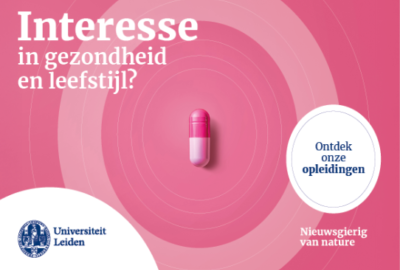
You might have already seen our campaign materials. With their bright backgrounds and an object in the middle the rings, they're hard to miss. But when should you use them, and when not? Here's how it works.

Ever tried to share a large presentation, a brochure design or a photo series only to have your email reject the attachment? And are those free online services really secure?
For visitors with visual impairments, alt text is essential. It allows screen readers to describe what's in an image..
A photo that looks sharp on your screen can be disappointing in print. Here are some tips for using images for web and print.
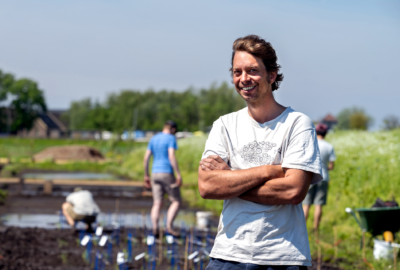
Photography is a powerful tool for our communication. It helps us tell stories, showcase our community and create a professional and engaging visual identity.
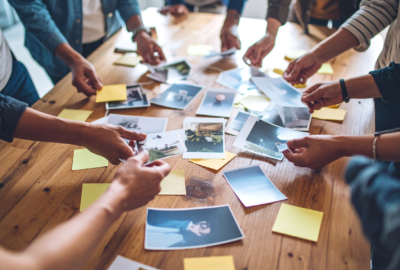
A good briefing is essential for creating photos that align with Leiden University's visual identity and goals. Use the points below as a guideline to provide the photographer with clear and complete information.
How to apply our brand colours to meet accessibility guidelines.